
Someone deciding where to eat tonight gives your website a few seconds, usually on a phone, often while standing outside or sitting in a car. They want to see the menu, check you are open, find you on the map and book or order. Restaurant website design is about removing every obstacle between that hungry visitor and those answers. This guide covers what diners look for, the pages a restaurant or café site needs, and the details specific to Saudi Arabia.
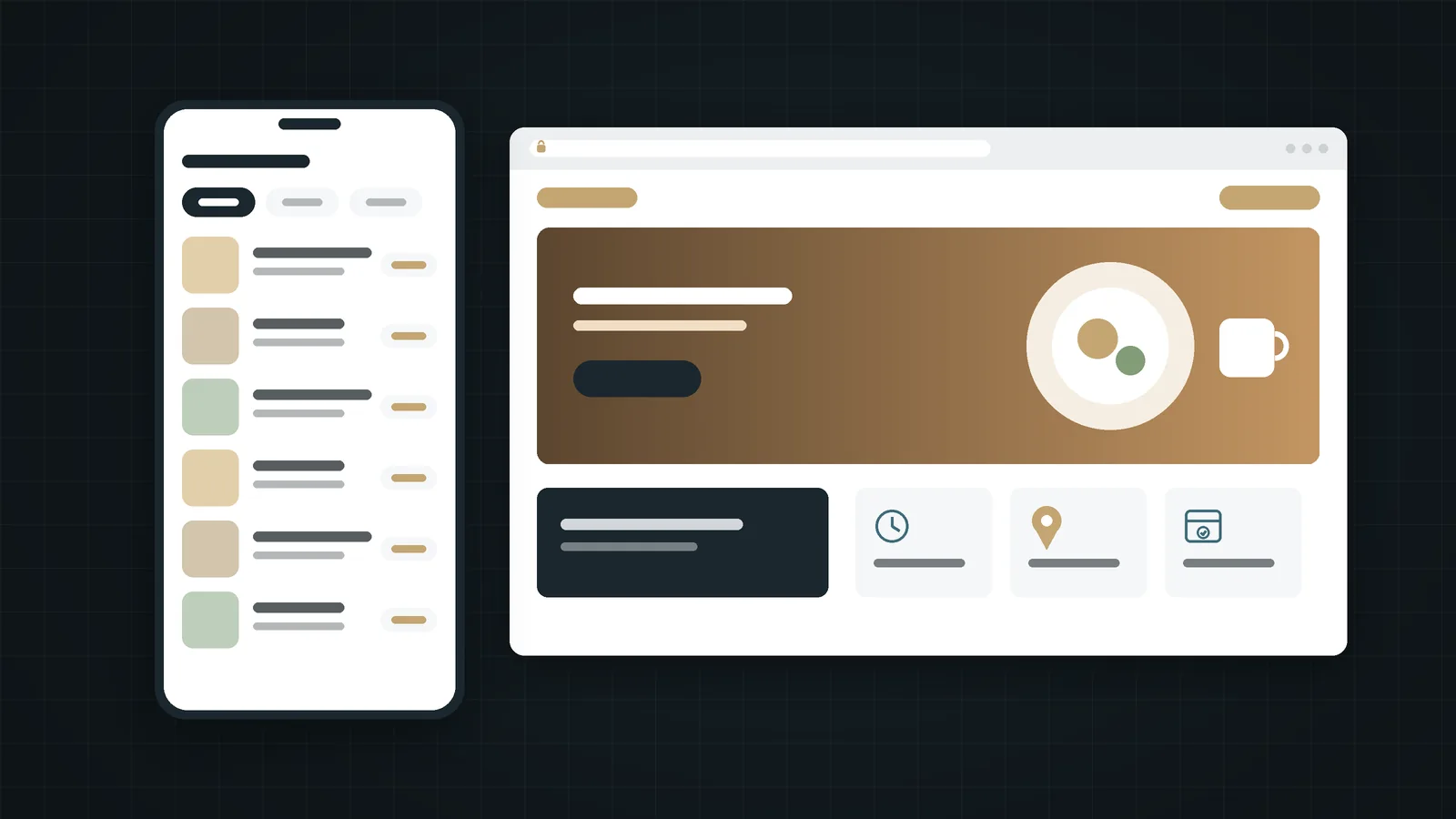
In short:
- Put the menu on the website as a real page, not a PDF, with prices and clear categories.
- Keep opening hours, including Ramadan and holiday hours, identical on the website and Google.
- Make reservations, delivery and directions one tap away on mobile.
- Use real photos of your food and space, compressed for speed, and include the nutrition information SFDA rules require on menus.
In this guide
The five things diners look for
Whatever your cuisine or price point, almost every visitor arrives with the same short list of questions:
- What do you serve, and how much does it cost? The menu, with prices.
- Are you open now? Today's hours, clearly shown.
- Where are you, and how do I get there? Address, map link and parking.
- Can I book or order? Reservations, delivery or pickup.
- What is it like? Photos of the food and the space.
Good restaurant website design answers these on a phone screen without much scrolling. If yours does, you have already beaten many restaurant websites.
Put the menu in HTML, not a PDF
A PDF menu is easy to upload and hard to use. On a phone it loads slowly, needs pinching and zooming, and is awkward for search engines to read. A menu built as a normal web page fixes all of that:
- It loads quickly and reads comfortably on any screen.
- Google can read your dishes, which helps when people search for a specific dish near them.
- You can update a price or mark an item unavailable in minutes.
- It works in Arabic and English side by side, or as two language versions.
Organise the menu into clear categories, show the same prices customers pay in the restaurant, and mark key dietary information. In Saudi Arabia, the Saudi Food and Drug Authority's menu labelling rules, in force since 1 July 2025, cover both physical and digital menus, including calorie and other nutrition information. Keep your website menu consistent with your printed menu and delivery app listings, and check the current SFDA requirements for your type of outlet. (Source: Gulf News.)
Hours and location that are always right
Nothing loses a customer faster than arriving at a closed door the website said was open. Treat hours and locations as live information:
- Show today's hours near the top of the home page, not only in the footer.
- Update Ramadan, Eid and holiday hours on the website and on your Google Business Profile at the same time.
- Link the address to Google Maps so a tap opens directions, and mention parking if it is limited.
- For several branches, give each branch its own page with its own hours, phone number and map.
- Make the phone number tap-to-call and add a WhatsApp button if you take bookings that way.
Reservations and orders
Decide which actions matter most and make those the biggest buttons on the page:
Dine-in focused
- A clear "Book a table" button, linked to a reservation tool, WhatsApp or a phone call.
- Details on group bookings, private rooms and events.
- What to expect on arrival: seating, dress code if any, waiting times at busy hours.
Delivery and pickup focused
- Links to the delivery apps you actually use, placed next to the menu.
- Direct ordering if you run your own system, so you keep the customer relationship.
- Delivery areas, minimum order and pickup instructions.
Most restaurants need both, but one should clearly lead.
Photos that sell the table
Food is bought with the eyes first, which makes photography central to restaurant website design. Use real photos of your dishes, your interior and your team, taken in good light. Stock photos are easy to spot and make every restaurant look the same.
Then make sure those photos don't slow the site down. Export them at the size they are displayed, use a modern format such as WebP, and avoid an autoplaying video as the first thing a visitor on mobile data has to load. Speed affects whether people stay; our guide on why website speed drives sales explains why.
Restaurant website design: the pages you need
Home
Your concept in one line, today's hours, a booking or ordering button, a few strong photos and a link to the menu.
Menu
The full menu as a web page, by category, with prices and the required nutrition information.
About
The story behind the place: the chef, the origin of the recipes, what makes it different.
Locations
One page per branch, with hours, map, phone and parking notes.
Book or order
Every way to reserve or order, explained simply.
Events and catering
If you host events or cater, a page with what you offer and how to enquire.
Design every page for the phone first. Buttons should be easy to tap with a thumb, and the most important action should stay visible; see design for mobile first.
Local search basics for restaurants
Restaurant website design does not stop at your own site. Many diners never type your web address; they search "restaurant near me" or a dish name and choose from the map. A complete, accurate Google Business Profile with the right category, hours, menu link, photos and website link is essential. Keep your restaurant's name, address and phone number identical everywhere, encourage genuine reviews and reply to them. For the full setup, read how to get found on Google.
See a café website demo
For an example of these ideas in practice, explore Rewaq Coffee, a demonstration website Webnaa designed for a specialty café and roastery. It is a design sample rather than a real business, showing a brand story, signature items, a menu with prices, the space and opening hours on one site.
Opening or refreshing a restaurant?
A professional restaurant website from SAR 39 a month with no setup fee. See what is included, then tell us about your concept.
FAQ
Should a restaurant website have online ordering?
If delivery or pickup is a big part of your business, yes, either through your own system or clear links to the apps you use. If you are mainly dine-in, a booking button matters more.
Is a PDF menu ever acceptable?
As an extra download for catering or events, perhaps. Your main menu should be a web page that loads quickly and reads well on a phone.
Does a small café really need a website?
A Google Business Profile and social media go a long way, but a simple website gives you a place you control for your menu, hours and story. Even a well-built single page can be enough; see when one page works.
Should the menu be in Arabic and English?
In most Saudi cities, yes. Keep dish names, prices and nutrition details identical in both versions.
How often should we update the website?
Whenever prices, hours or the menu change, and before every Ramadan and holiday season. Outdated information costs more customers than an old design.
Summary
Restaurant website design works when it answers a hungry visitor's questions in seconds: what you serve and at what price, whether you are open, where you are, and how to book or order. Build the menu as a real page, keep hours and locations accurate everywhere, make the key actions one tap away, show real photos without slowing the site, and keep menu information in line with SFDA requirements. Do that, and your website will send people to your tables rather than to the place next door.