
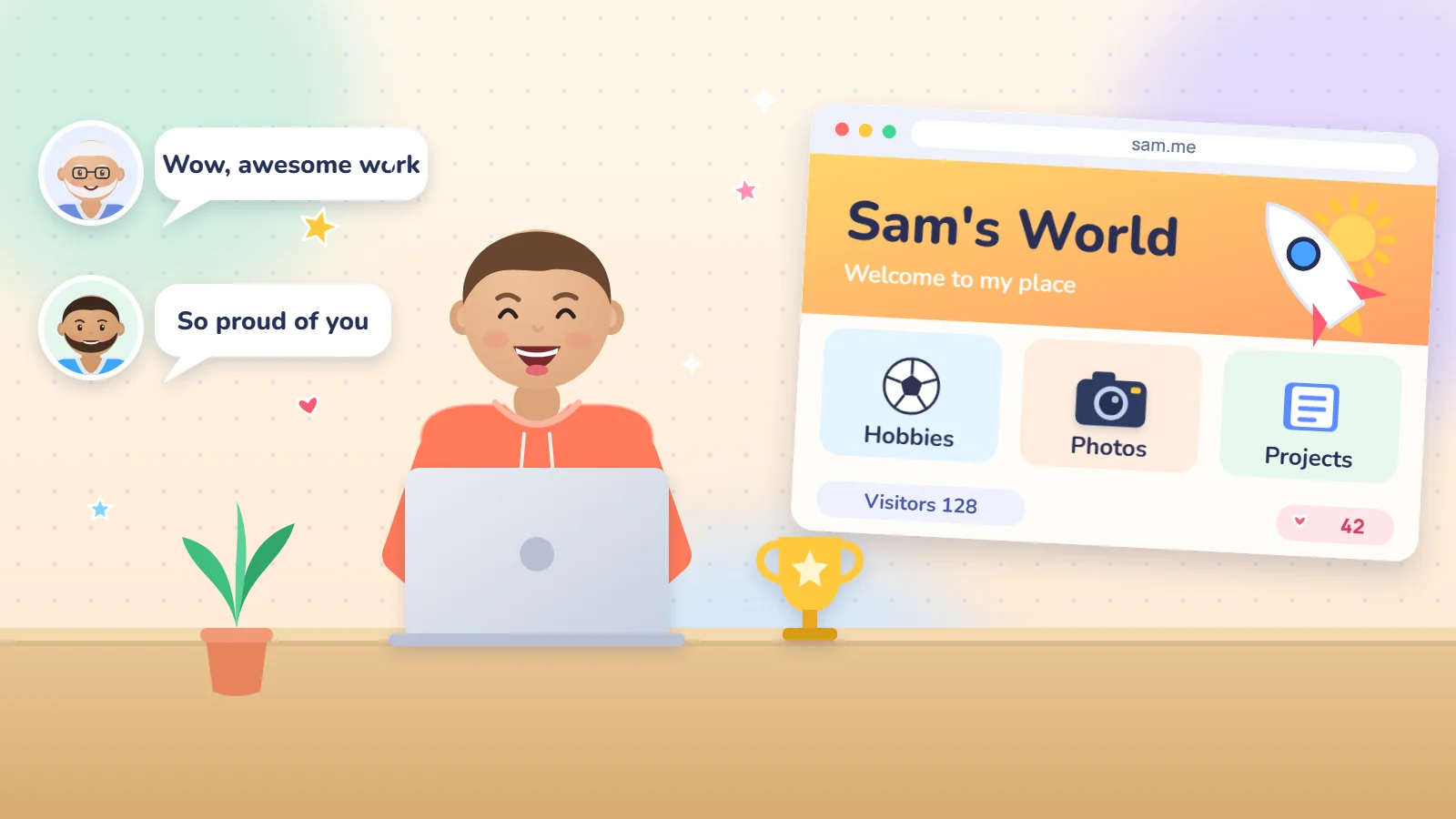
Most children spend screen time watching what others made, and few make anything themselves. The idea of a website for your child flips that: they get a place of their own online to fill with what they love and show to friends and relatives. This guide covers what Western research says about the psychological, mental and physical benefits, then ideas for ages 7 to 16, safety rules and how to start.
In short:
- A personal website moves a child from watching to making, and a real result builds confidence.
- The mental gains are real but moderate: organising ideas, writing and solving problems.
- The physical side needs managing: tie the site to photography, movement, rested eyes and sleep.
- Safety first: a nickname, no face photos, comments you approve, a domain in your name.
In this guide
Why give your child a website?
A survey by the US nonprofit Common Sense Media found that creating content takes only about 2% of screen time for ages 8 to 12 and about 3% for teenagers. The rest is watching, gaming and social platforms.
3%
share of teen screen time spent creating content
Common Sense Media, 2019
105
studies pooled in a review of what learning to code does for thinking
Scherer and colleagues, 2019
60
minutes a day of moderate to vigorous activity recommended by the WHO
World Health Organization, 2020
A personal site is a simple way to change that ratio. The child picks its name, colours and contents, sees every change instantly and shares it with people they love. It also differs from a social media account: no algorithm pushes content at them, strangers cannot message them, and you control what gets published.

The psychology: confidence, identity, belonging
The goal is not fame but the experience of “I can do this”. Four well-known theories describe needs a website meets:
Competence
Albert Bandura found that mastery experiences are the strongest source of self-belief. A site gives a visible result after every attempt.
Autonomy
Deci and Ryan's self-determination theory says inner motivation grows when a child feels in charge. They choose; you walk alongside.
Belonging
Feeling connected is the theory's third need. When grandparents and friends react, effort becomes a conversation.
Identity
Erik Erikson called middle childhood (about 6 to 12) industry versus inferiority, and the teen years a search for identity. A site is a safe place to try roles.
Confidence is not handed over with praise. It is built by real success.
What you say matters too. Carol Dweck's research shows that praising effort and strategy makes children more willing to take on challenges than praising intelligence, and she warns that effort praise alone does not help without learning. Try the difference:
When they proudly finish their first page
You are so smart, it is the best website ever.
You tried three colour schemes before this one worked. What will you try next?
Praise for strategy keeps a child ready for the next try.
When something will not work
Leave it, I will fix it.
What have you tried so far? Let us look for another way together.
Repeated attempts build capability, so do not take the win away.
The mind: what skills grow
Building a site exercises six skills that appear in almost any project:
| Skill | How it is practised | Example on a child's site |
|---|---|---|
| Planning and organising | Decides the pages and what goes on each | Sketches Home, My Hobbies and My Photos on paper |
| Writing and expression | Writes short texts for real readers | A paragraph on a favourite player and why |
| Problem solving | Tries, fails, then fixes | A picture will not show, so they hunt for the cause |
| Taste and creativity | Chooses colours, images and headings | Changes colours until they suit the topic |
| Computational thinking | Sees how pages connect through links | Links the Projects page to the home page |
| Responsibility | Thinks about readers and what to publish | Asks, should I post my school name? No |
What does the evidence say?
- A 2019 review by Scherer and colleagues pooled 105 studies on learning to code. It found moderate transfer to creativity, maths, metacognition, spatial skills and reasoning, and less to school achievement and literacy.
- They study programming in general, not websites specifically: expect growth in how your child thinks, not automatically higher grades.
The body: balancing screen and movement
Building a site is sitting at a screen, so do not expect a direct physical benefit. It comes from how you organise it:
- Content from real life. A match, a hike, a plant that keeps growing: every new photo is a reason to go outside, without faces in it.
- Movement first. The WHO recommends an average of 60 minutes a day of moderate to vigorous activity for children and adolescents. Put site time after movement, not instead of it.
- Rested eyes. The American Academy of Ophthalmology says screens do not permanently damage eyes but can cause eye strain: blinking drops from about 15 to 5 to 7 times a minute. It suggests sitting about an arm's length away.
- Sleep and meals. The American Academy of Pediatrics suggests screen-free times, such as dinner, homework and bedtime.
Try the 20-20-20 rule now
Every 20 minutes, look at something about 20 feet (6 metres) away for 20 seconds, then go back to work.
A weekly pattern to adjust to your family's media plan, not medical advice:
| Age | Site sessions a week | Session length | Your role |
|---|---|---|---|
| 7 to 9 | 2 to 3 | 15 to 25 minutes | Sit beside them and type for them |
| 10 to 12 | 3 to 4 | 25 to 40 minutes | Review publishing and leave choices to them |
| 13 to 16 | 3 to 5 | 30 to 60 minutes | Check privacy settings weekly |

Standing with friends and family
Some parents say a site gives a child “status”. No study proves that directly. But self-determination theory treats belonging as a core need, and MIT's Mitchel Resnick names peers as one of four pillars of creative learning, with projects, passion and play. What a child gains is not fame but the respect of people who see they made something real. Three ways to build the bridge:
- Closest first. Send the link to a grandparent and an uncle with one specific question.
- Friends in a session. When a classmate asks how it was made, the child becomes a small teacher.
- A guestbook. You approve messages before they appear, so the child reads kind words without risk.
A WhatsApp chat with Grandpa (demo)
Hi Grandpa, I made a website about my hobbies.
sam.me
Just opened it. Wonderful, who taught you?
I did it myself. Dad only helped with safety.
I want a page about falcons. Tell me more.
I will add a new page this week.
Ready-to-send messages for your child
To a grandparent or uncle
Hi, I made a website about my hobbies and would love your opinion: [link]. What did you like most?
To a friend
Try my site and tell me which page you like best: [link]. I can show you how I made it.
To a teacher
Hello, I made a site for my project on [topic]. May I show it to the class? [link]

What to put on it: ideas for every age
Start from your child's interest. These grow with age, following the “low floor, high ceiling” principle behind MIT's Scratch.
Ages 7 to 9
One page
- An “About me” page with a nickname and a drawing instead of a face.
- A small gallery of drawings or models.
- A list of favourite books or games with one sentence each.
Your role: sit beside them and type for them.
Ages 10 to 12
A few pages
- A small magazine about their team.
- A science experiment diary.
- A corner called “What I learned this week”.
Your role: check privacy and leave the choices to them.
Ages 13 to 16
A portfolio and a project
- A showcase of coding or design work.
- A blog on an interest they are deepening.
- A site for a school or volunteer initiative, with approval.
Your role: a short weekly review and privacy protection.
Try it yourself: your child's first page
Type a nickname, pick an interest and a colour, and watch the page take shape.
- Football: Matches I love, My favourite player, My goal this season
- Space: Planets I know, Questions for scientists, Experiments at home
- Drawing: My gallery, My favourite colours, Weekly challenge
- Gaming: My favourite games, Tips for beginners, My high scores
- Animals: Animals I love, Fact of the day, Garden friends
- Cars: Cars I dream of, Facts and numbers, My photo gallery
- Books: Books I have read, My favourite quote, My summaries
Steps to create a website for your child
Agree on one goal
One hobby beats everything. Ask: what do you want people to know about you?
Choose a nickname and an address
A short name without family name or school. Register the domain in your name; see our domain and hosting service for how it works.
Sketch the pages on paper
Three pages are enough: Home, My Hobbies and My Photos.
Build the first page together
They write and choose; you step in only for the technical side.
Show the closest people first
Grandparents and an uncle, then friends, after the safety list below.
Set a weekly slot
A short, steady session to add something new, stopping before they get bored.
Three ways to begin, each with something you should check:
| Option | Suits | Check |
|---|---|---|
| Drag-and-drop website builders | A fast start with no coding | The platform's minimum age and privacy settings |
| A WordPress site on your own hosting | A site that lasts and grows | Moderated comments, backups, and the domain in your name |
| Learning projects such as Scratch | Logic and interactive stories before a site | That it is a community with rules, not a personal site |
Safety rules before publishing
Before your child publishes a line, go through this list together. Ticks are saved on your device:
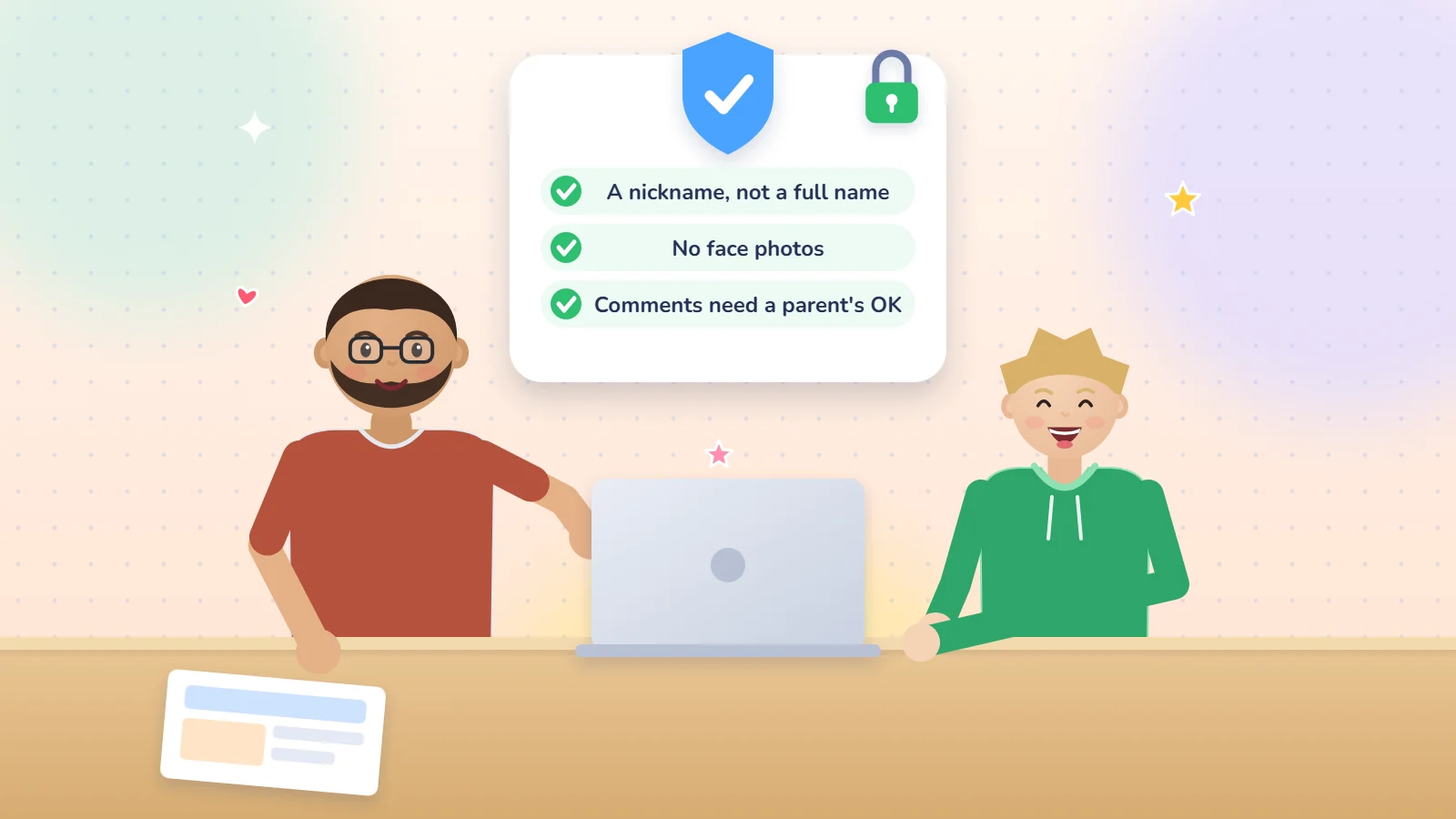
- A nickname instead of a full name and family name.
- No face photos, and no pictures of your home or school.
- No address, phone number or school name.
- No open contact form, and comments are approved by you before they appear.
- The domain and hosting are in your name, and the passwords are with you.
- Backups and updates run automatically.
- A written agreement with your child about what may and may not be posted.
Rules in place:
The list is complete. The site is ready to show the closest people.
The American Academy of Pediatrics advises a family media plan that the child helps write, covering privacy settings and a talk about ads before using any new platform. In the US, the COPPA rule also requires parental consent before sites aimed at children under 13 collect their personal information, one reason many platforms set a minimum age. We explain how we handle data in the Webnaa privacy policy.
A child's website with Webnaa
If you have no time for the technical setup, Webnaa, a website design service in Riyadh, can prepare a family site with an easy dashboard, in Arabic and English, with the domain and hosting and a security certificate, with technical support included. Your child writes and you review, while Webnaa handles the technical side.
Prices start from SAR 39 a month for a one-page, one-language site on a Webnaa subdomain (such as name.webnaa.com), a natural first step for a child's site; a one-page site on your own domain in your name, and any larger site, is priced in our price calculator, for example a 5-page WordPress site with a dashboard in Arabic and English is SAR 324 a month. Prices are paid in advance, every 6 months or for a full year with 10% off. There is no setup fee or long contract, and you can cancel renewal or upgrade any time. If you do not like the design, shown on a preview link before launch, we refund you in full. See the how we work page.
Choose what you need, see your exact price
The price updates with every choice. No surprises, no hidden fees.
The calculator is off. Press the power button to start
From Zoho, a global provider with data centres in Riyadh and Jeddah. More than 10 addresses are quoted separately.
Start your child's site from SAR 39 a month
See what the subscription includes, then message us.
Frequently asked questions
What age can a child start?
From about 7 with you beside them, with independence growing between 10 and 12. If a platform sets a minimum age, follow its terms.
Is a personal website riskier than a social media account?
Usually not. No algorithm shows it to strangers, it gets no private messages if you close contact forms, and you control what is published. Privacy is still your job, so follow the checklist.
How much does a child's website cost?
You can start free or cheaply on website builders, subject to their terms, or on your own hosting. At Webnaa prices start from SAR 39 a month for a one-page site on a Webnaa subdomain, often enough for a child's site, and a larger site is priced by its pages, languages and type, so choose what fits your household budget. See our price calculator to compare.
Does my child need to learn to code?
No. Today's tools let them type and drag in photos. HTML and CSS can come later.
What if they lose interest after a few weeks?
That is normal. Keep the site small and never make it homework. A three-page site updated monthly beats a big abandoned one, and you can pause or delete it any time. See after your website launches.
Summary
A website for your child is not a luxury or a popularity race. It is a small project that gives real success, trains planning, writing and problem solving, and opens a conversation with family and friends. Genuine interest and your calm company make it work, and the checklist protects it. Start with one page this week and ask: what do you want people to know about you?
Sources: Common Sense Media 2019, Scherer et al. 2019, MIT Media Lab, Character Lab, Dweck, SDT, AAP, AAO, WHO 2020, FTC COPPA. From Webnaa: pricing and FAQ. The weekly pattern is Webnaa's suggestion, not medical advice.